
HXSJ K99 Ergonomic Keyboard and Mouse Combo One-handed Game Connector
$70.32
Free shipping on orders over $50!
- Satisfaction Guaranteed
- No Hassle Refunds
- Secure Payments
Description
Product description
Brand Name: HXSJ
Origin: CN(Origin)
Interface: bluetooth
Certification: CE
Keyboard Connection: Wired
Model Number: K99
Supports Human Engineering: Yes
Package: Yes
Type: ERGONOMIC
Type: Gaming
Type: Wired
Applicable Object: For Game
Products Status: STOCK
Mouse Connection: Wired
Function Introduction:
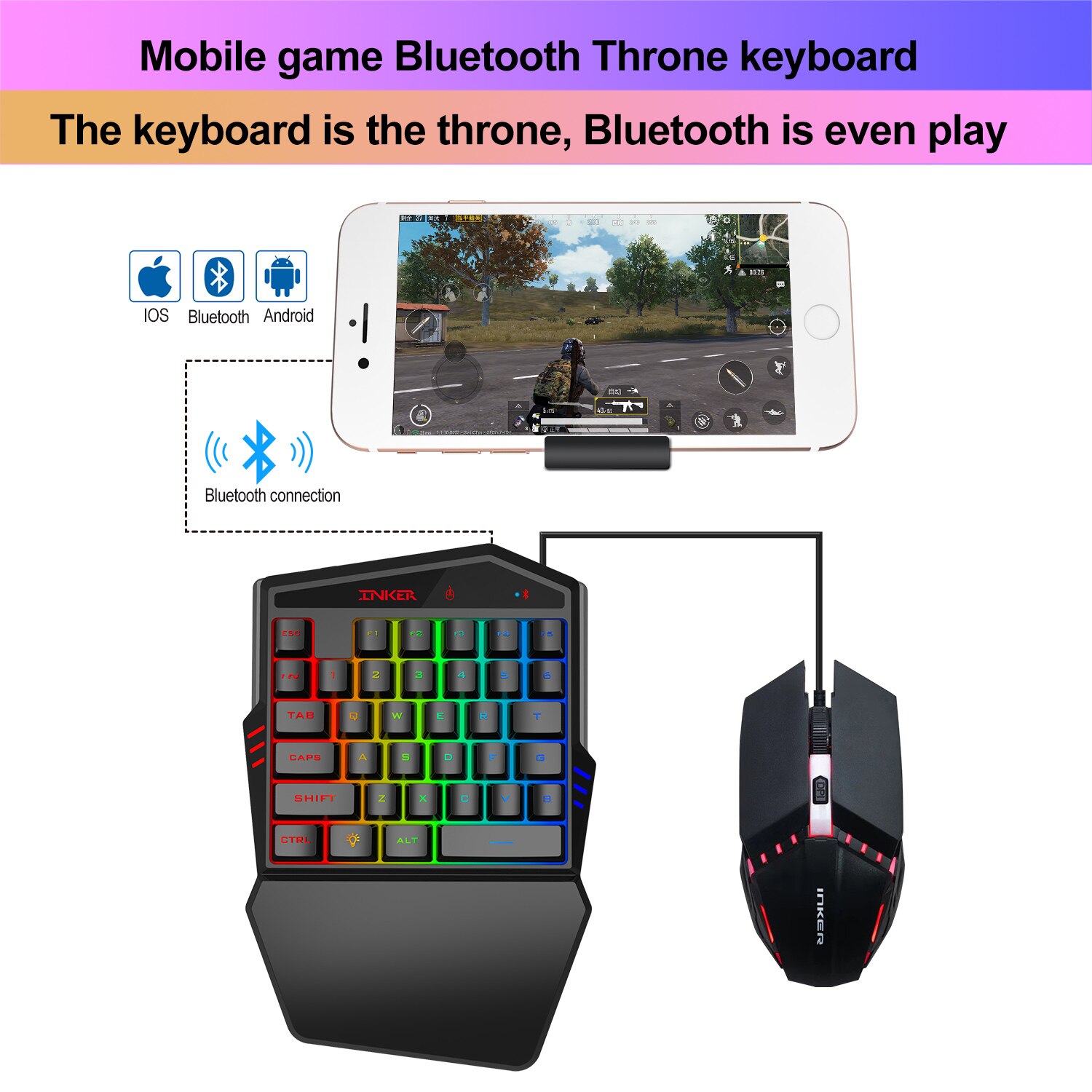
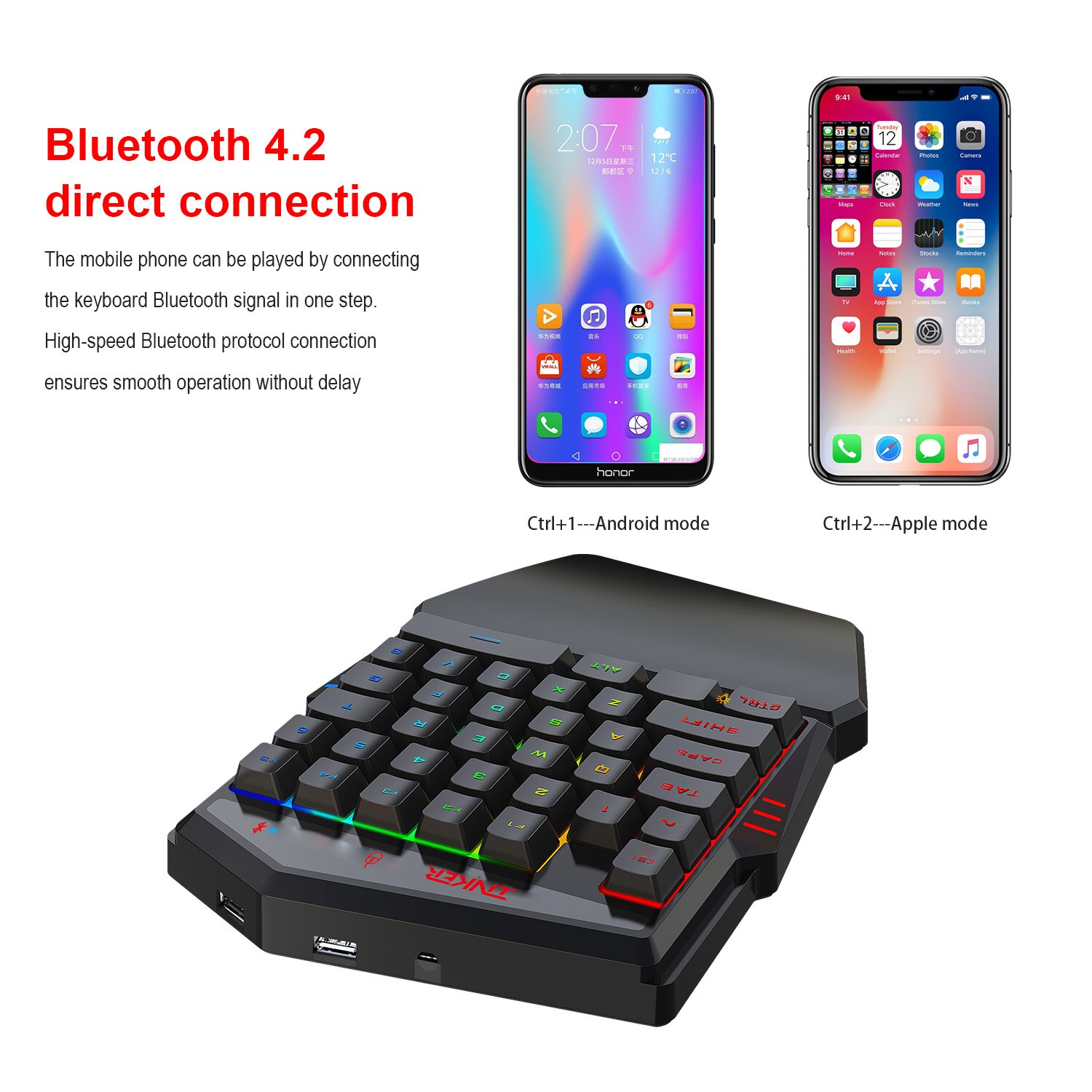
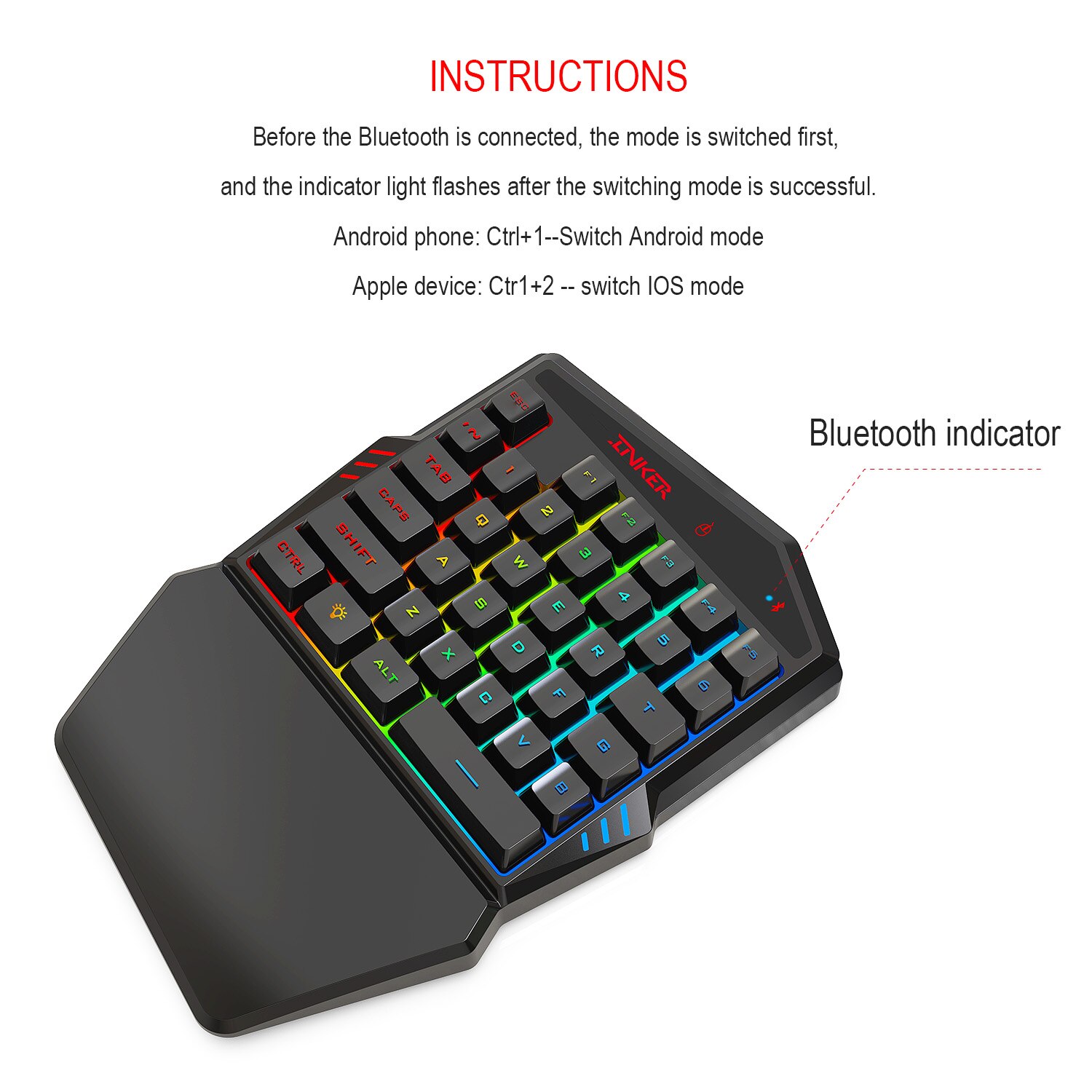
1.There are 2 USB ports and 1 5V power supply port at the side of both products.The power supply or the mouse&keyboard should be connected to the port according to the laser mark above.Other USB ports can only be used for charging the devices. Before playing games,turn on the cellphone suspension window limit to the games and APP drive. Before Bluetooth conneting the mode should be shifted according to your cellphone. Android cellphone press Ctrl+1 shift to Android mode. Iphone devices press Ctrl+2 shift to IOS mode.(Note: Before connecting to the Bluetooth, usually the LED light indicator will twinkling while shifting modes.
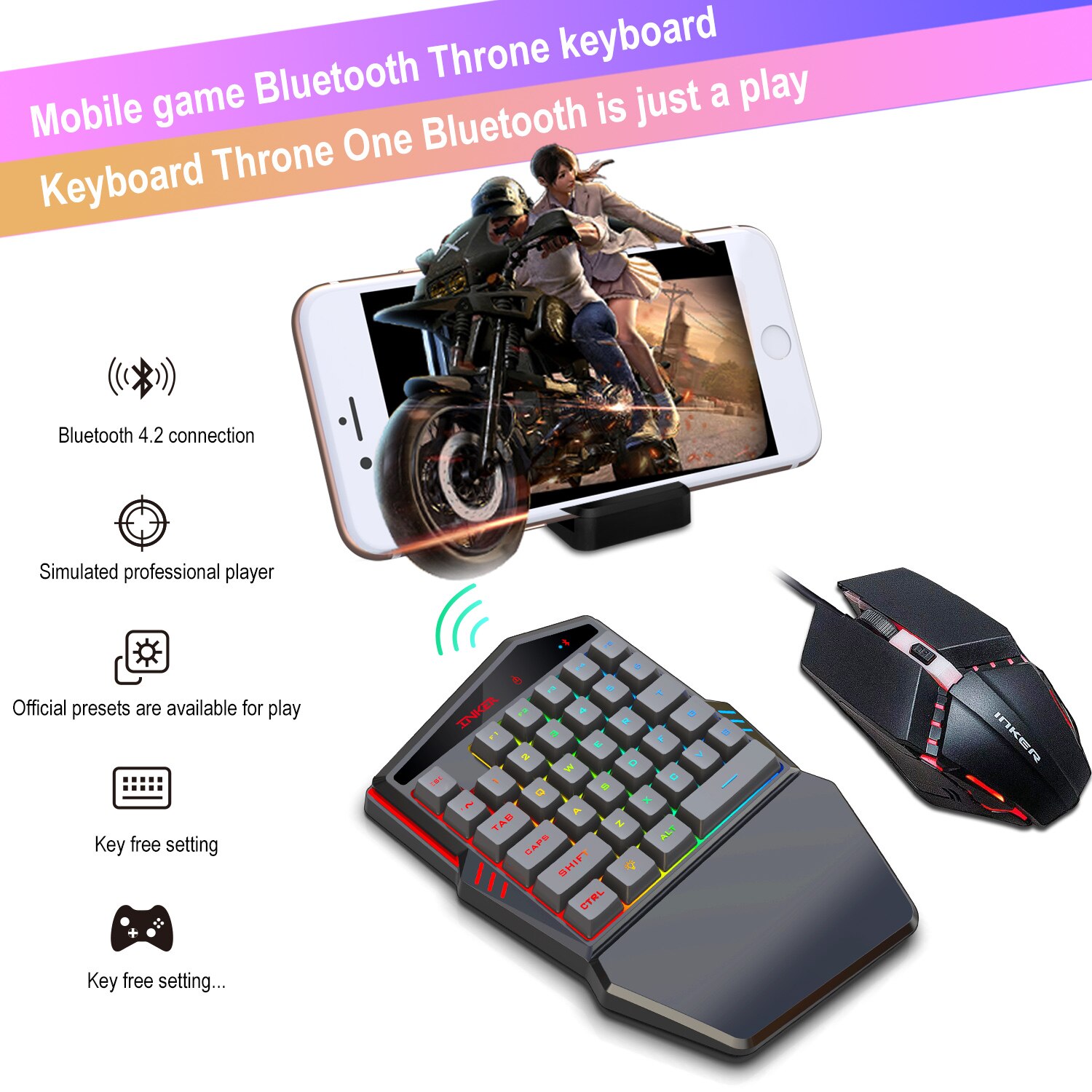
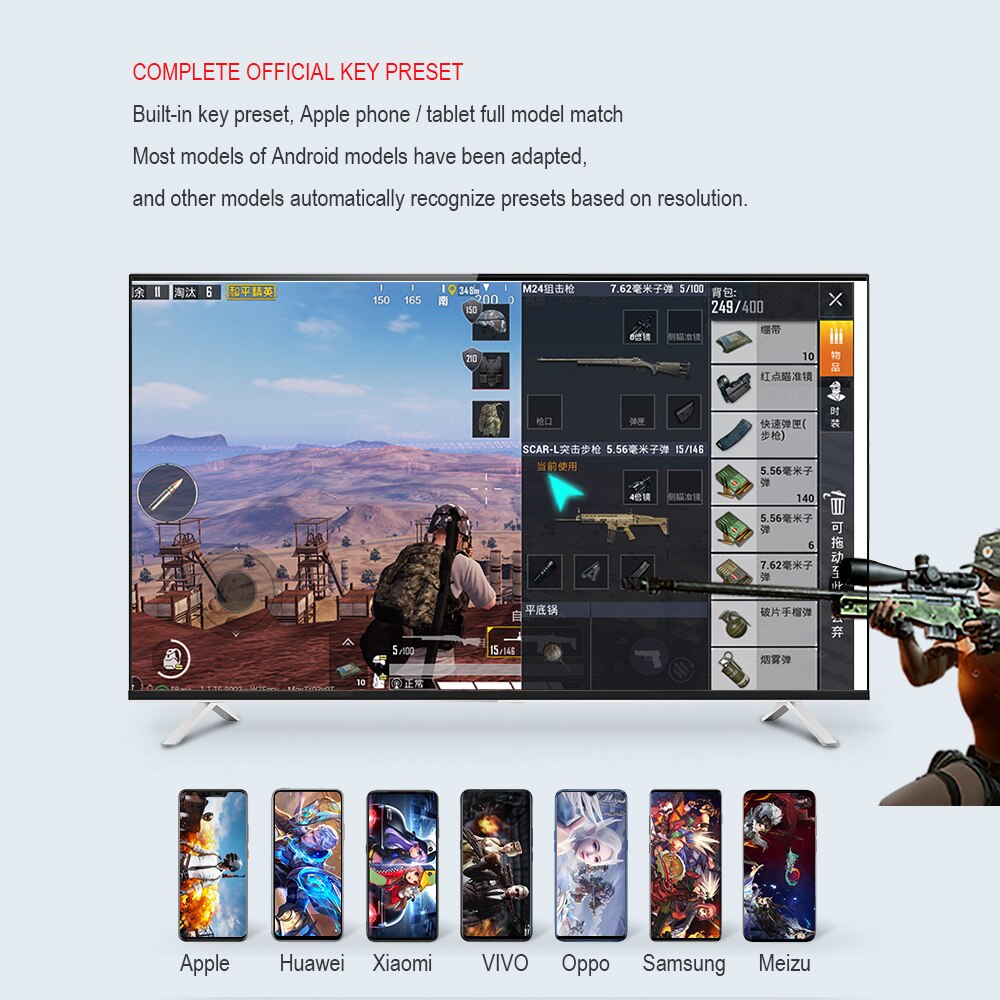
2. The button presets defaulted in the games, usually can also enjoy the games without installing the driver, it is subjected to the default button manipulation in the games, the default button presets as follows: Gtrl+F1 PUBG,Gtrl+F2 PUBG-The whole army attack Gtrl+F3 Knives Out,Gtrl+F4 Rules of Survival,Gtrl+F5 CF-Wild training .
Product parameters:
Mouse net weight 105g
Mouse size: 12.5X6.4×3.8cm
Line length 140cm
eyboard weight 272 g
Keyboard size 25.5X17X3cm
Total packaging weight 540g
Size: 28.2X28.2X5.7cm
Product packaging:
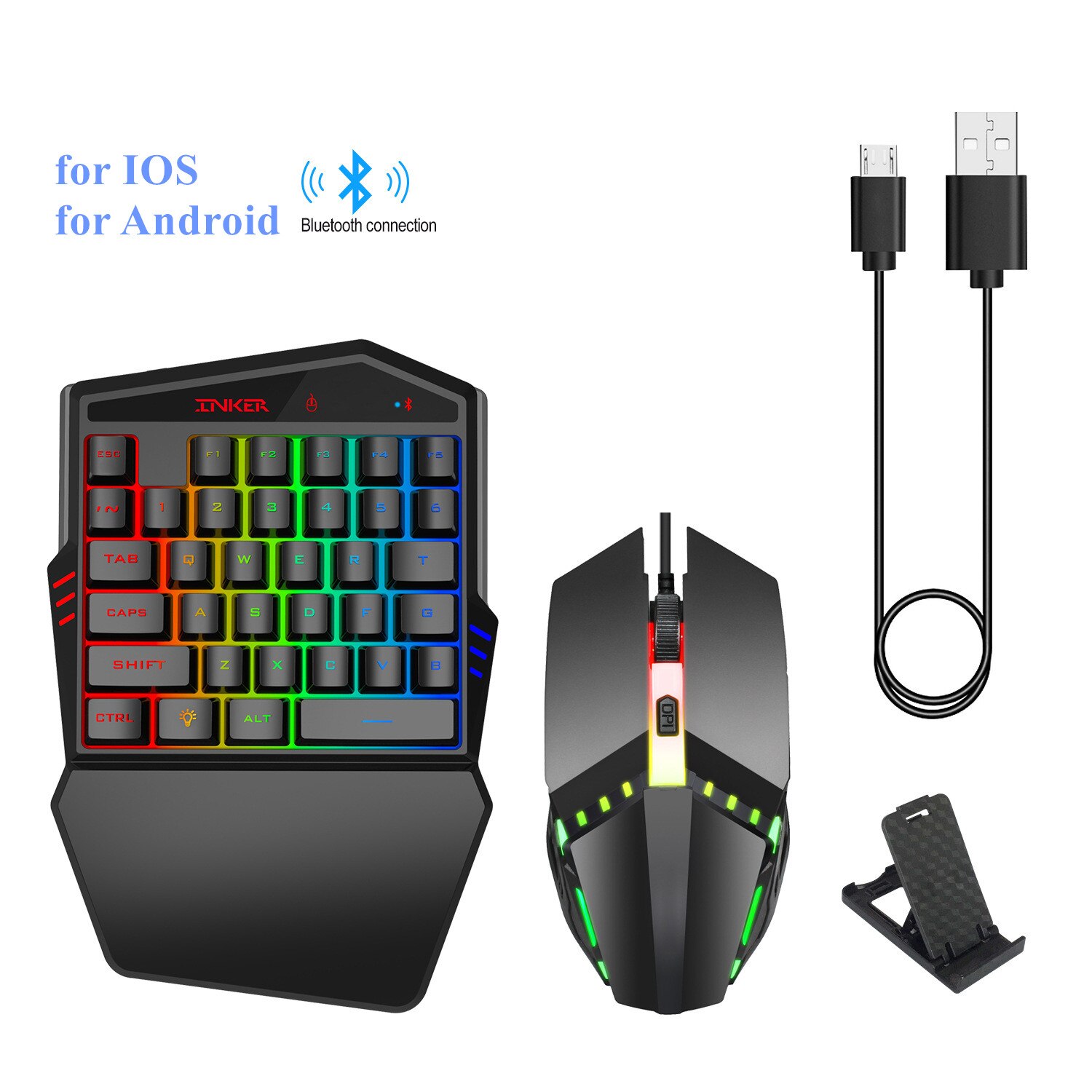
Bluetooth 4.2 one-handed keyboard*1
Wired mouse*1
User manual*1
Mobile phone holder*1
Shortcut key function:
- F1:Call-out Preset/F2: Display preset/ESC: Muzzle-controlling OFF
- F3 ON/OFF Muzzle-controlling interface/F4 First Gun Muzzle controlling strength adjustment button
- F5 Second Gun Muzzle-controlling strength adjustment button
- F6 Muzzle-controlling strength button
- F7 Mouse middle button–call-out cursor
- Q–Left probe/E–Right probe / R-Replace bullet T-Map
- F-Open the door to rescue / G-Pickup /Z-Get down
- X- Ride/C-Squat down / V-Running automatically
- B-shift auto continuous firing bullets and single bullet
- 1-Weapon columnl / 2–Weapon column 2
3–Take pills / 4–Melee throw
5–Open atachment items / 6–Open the box
Tab-Bag Shift-Drive car Ctrl – Get off the car
Alt-Free view / Space-Jump
3. If some buttons without function after entered the games,it is caused by the key dislocation, and can be adjusted through the APP
driver. Apple devices can access the APP interface, and then press F1 to click preset cloud synchronization in the pop-up box options to adjust. The APP drivers of Apple device must search ‘Shooting plus’ in the Apple store (IOS App Store) to download and install it. Overseas Android users can search ‘Shooting plus’ on the regular Google play store to download and install. Domestic Android users can scan the below driver “1 to 3”QR code to download and install.
4.This product driver is only available for Chinese and English version. Downloading the driver in the APP Store will automatically match the language version of the device you are using for installation. The APP driver is used not only to adjust the button, but also to upgrade online. If the devices are works properly, it will be better not to upgrade, upgrading will take up the chip running memory. Upgrade method: You can find the upgrading tips or firmware upgrade reminder on upper right corner of the APP interface (a small red dot display), which means it has a new
version of the program, you can click ‘Update APP’ to upgrade. And then click the firmware upgrade, you need to disconnect the Bluetooth connection after entering the firmware upgrade interface, but do not close the cellphone Bluetooth and click next, and then click the device program which searched in the device list to upgrade, a percentage of progress will be shown during the upgrading process, it can not be interrupted in the middle of upgrading, otherwise, it will cause hang-up and lead to the converter can not be used. (it needs to be upgraded with a reset key after hanging up)
5.Currently, the product is not fully compatible with (MTK) Android devices (i.e, CPU isa MTK chip cellphone). The following are some examples of MTK cllphones: Meizu Pro 6, OPPO R9, R15, Le 1, ! Jinli e8, RedMi note2, Meizu X5, Jin Li tianjan W909, MeiLan note3, Sony Xperia XUltra, Meizu M2 E, Huawei Mate8. In addition, low version Apple device system is not compatible. Please Check your ellphone before purchasing, if you’re using the MTK solution or iPhone which
Related products
-
HXSJ J50 Ergonomic Keyboard Mouse 5500DPI Combo
$57.69Add To Cart This product has multiple variants. The options may be chosen on the product page -

Wired Stereo Gaming HeadsetWith 3200DPI Adjustable LED Mouse-www
Price range: $69.03 through $87.72Add To Cart This product has multiple variants. The options may be chosen on the product page -
ASUS XXL LED Logo Gaming Mouse Pad
Price range: $50.19 through $76.62Add To Cart This product has multiple variants. The options may be chosen on the product page -
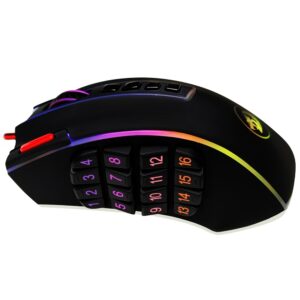
Redragon M990 High-Precision Programmable Gamer Mouse
$107.97Add To Cart This product has multiple variants. The options may be chosen on the product page

Reviews
There are no reviews yet.